| Install the browser extension: GoogleChrome - Click Here Mozilla Firefox - Click Here Microsoft Edge - Click Here |

|
| Click the blue “Add”-button in the web store |

|
| Check to see the blue PIXM icon to the right of the search bar |

|
| If the blue icon does not appear, click the puzzle icon | 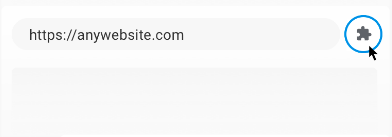 |
| Navigate to “PIXM Phishing Protection” |  |
| Click the pin icon to the right | 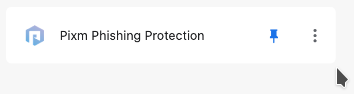 |
| Click the blue PIXM icon | 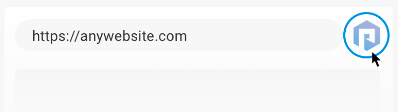 |
| Click "Register with my organization" | 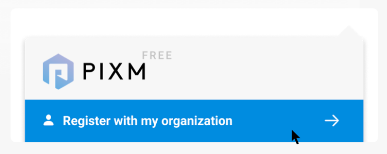 |
| Enter organization email address | 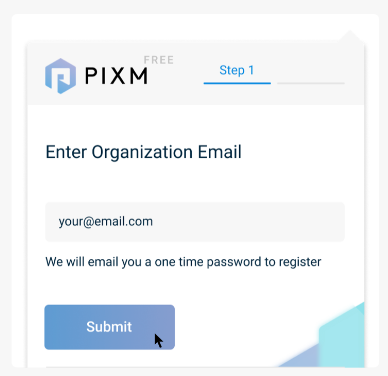 |
| Verify email address | 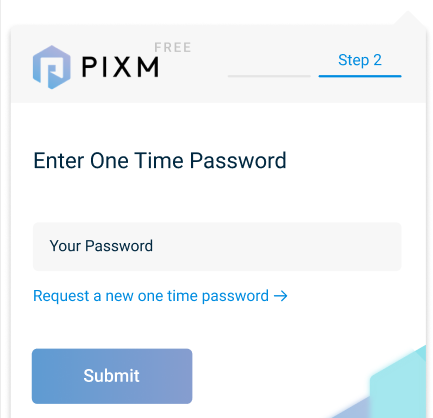 |

Request Your Demo
"*" indicates required fields